Roles and access
Understand what Owners, Admins, Members, and Salespeople can do.
Your organization role decides what you can change. Your access decides which leads you can see.
| Role | Typical access |
|---|---|
| Owner | Full organization access, including ownership transfer and changes that affect another owner |
| Admin | Manage members, markets, discovery settings, scoring, integrations, and organization keys |
| Member | Review the leads, routes, and activity their access reaches |
| Salesperson | Work the leads and routes their access reaches, update lead details, and capture visit outcomes |
Owners and admins reach every lead in the organization. Members and salespeople reach only what their access opens.
How access works
Each line of a person's Access opens one part of the organization:
| Line | Reaches |
|---|---|
| Organization | Every market, including markets added later |
| Group | Every market in that group, including markets moved into it later |
| Market | That one market |
Each line can be narrowed to one industry, or left on All industries. A person sees every lead that any of their lines reaches. A person with no line sees no leads.
When you invite someone, their access starts on Organization for an admin or a member. A salesperson starts with nothing chosen, so you pick the group or market they work before you send the invitation.
Check a person’s access
Open Settings.
Select Members.
Search for the person by name or email.
Select the settings icon at the end of that person's row.
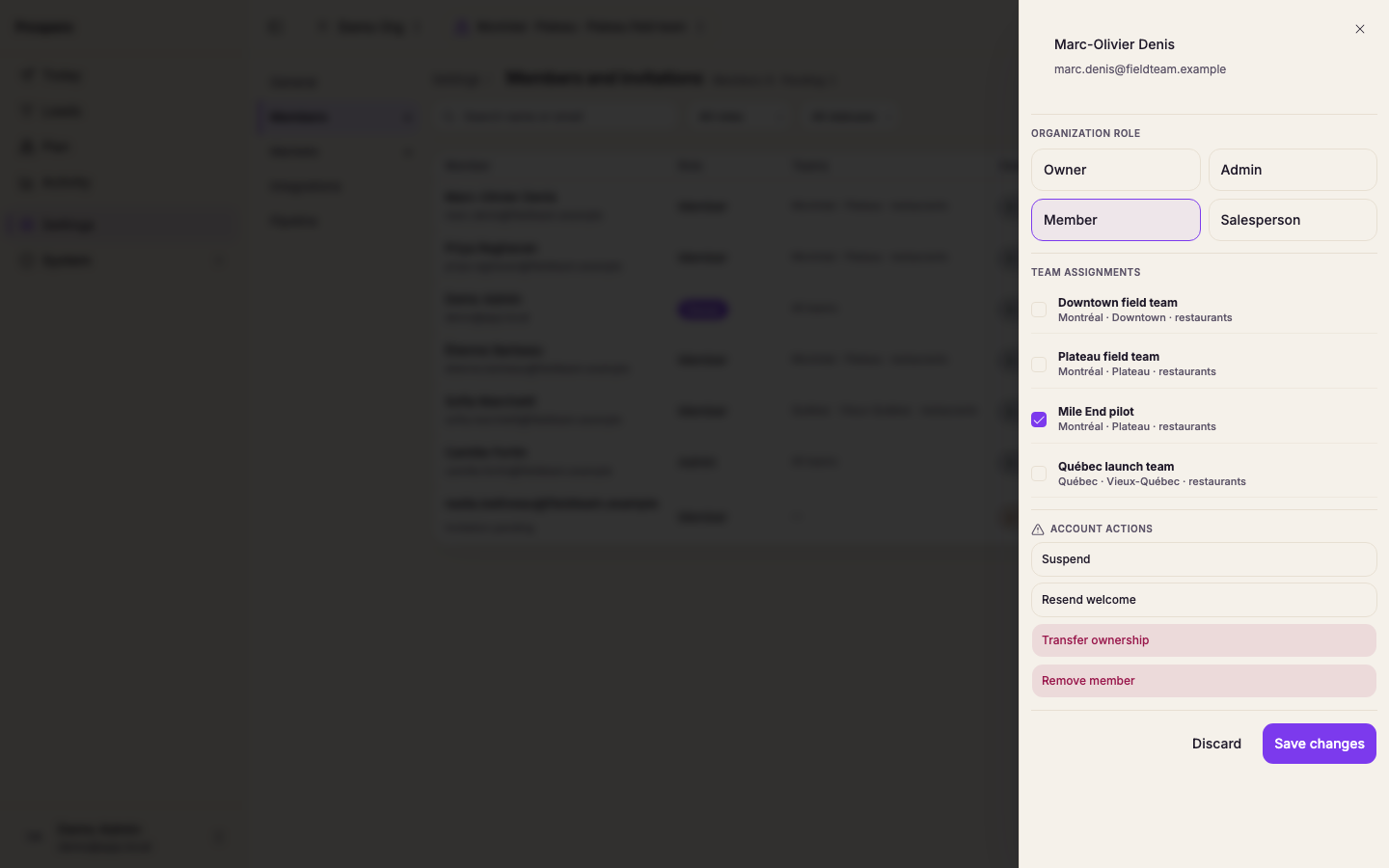
Review Organization role and Access. The line under the access lines names every market they reach.
At least one owner must remain in the organization. Only an owner can transfer ownership or make a change that affects another owner.