Start using Prospero
Create your account, organization, workspace, and first market.
This guide takes you through the full first-time setup. You will create your account, name the organization and workspace, then choose your first market and the industries you sell into there.
Before you start
Keep your Prospero access code nearby. If you joined through an invitation, use the email address that received it.
Create your account
Open the sign-up page
Open the Prospero sign-up page. If you received an invitation, open its account link instead so Prospero can use the invited email address.
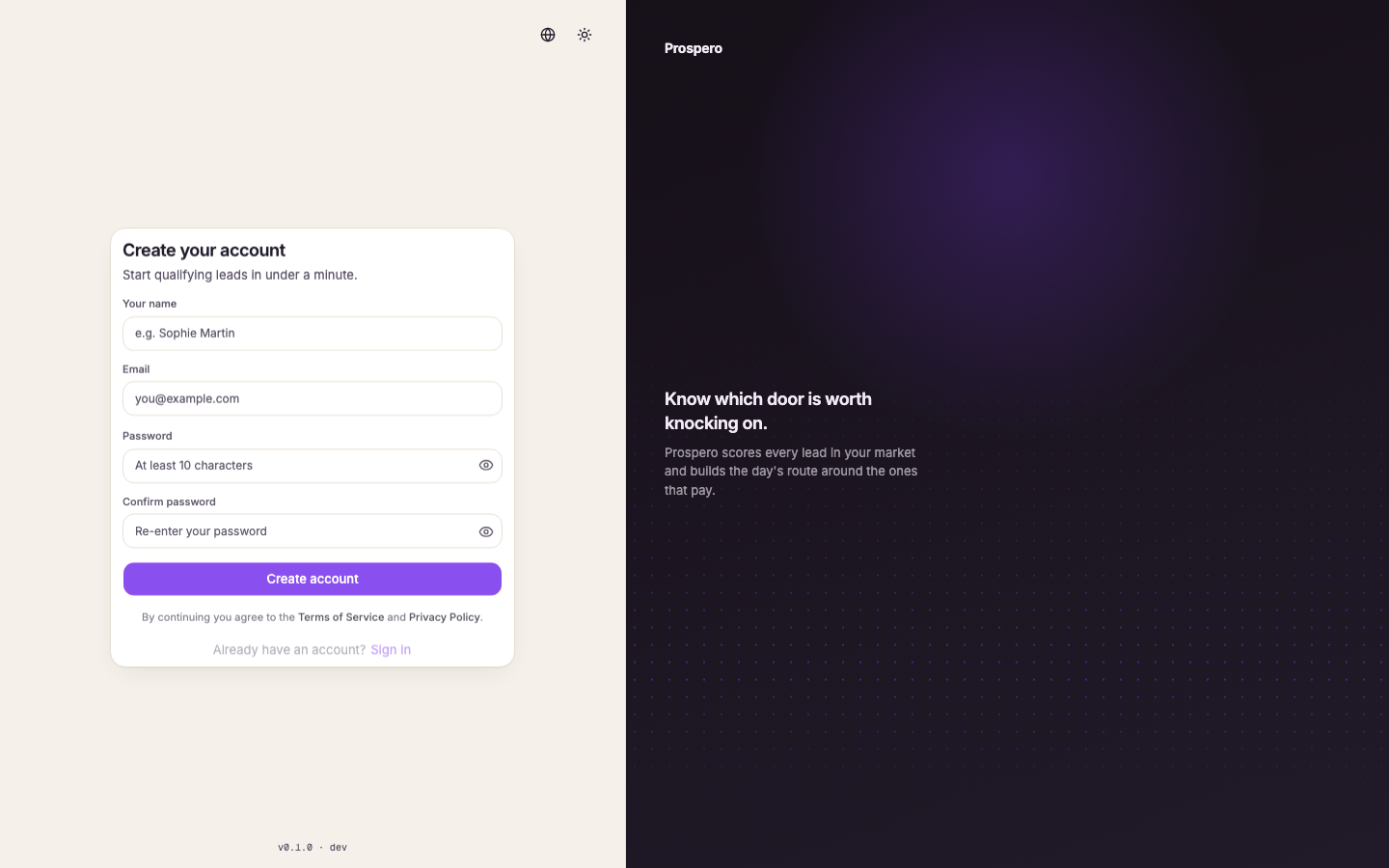
Enter your account details
Enter Your name, Email, and a password with at least 10 characters. Enter the same password under Confirm password.
Check the password strength
Use a mix of uppercase and lowercase letters, numbers, and symbols until the strength check accepts the password.
Create the account
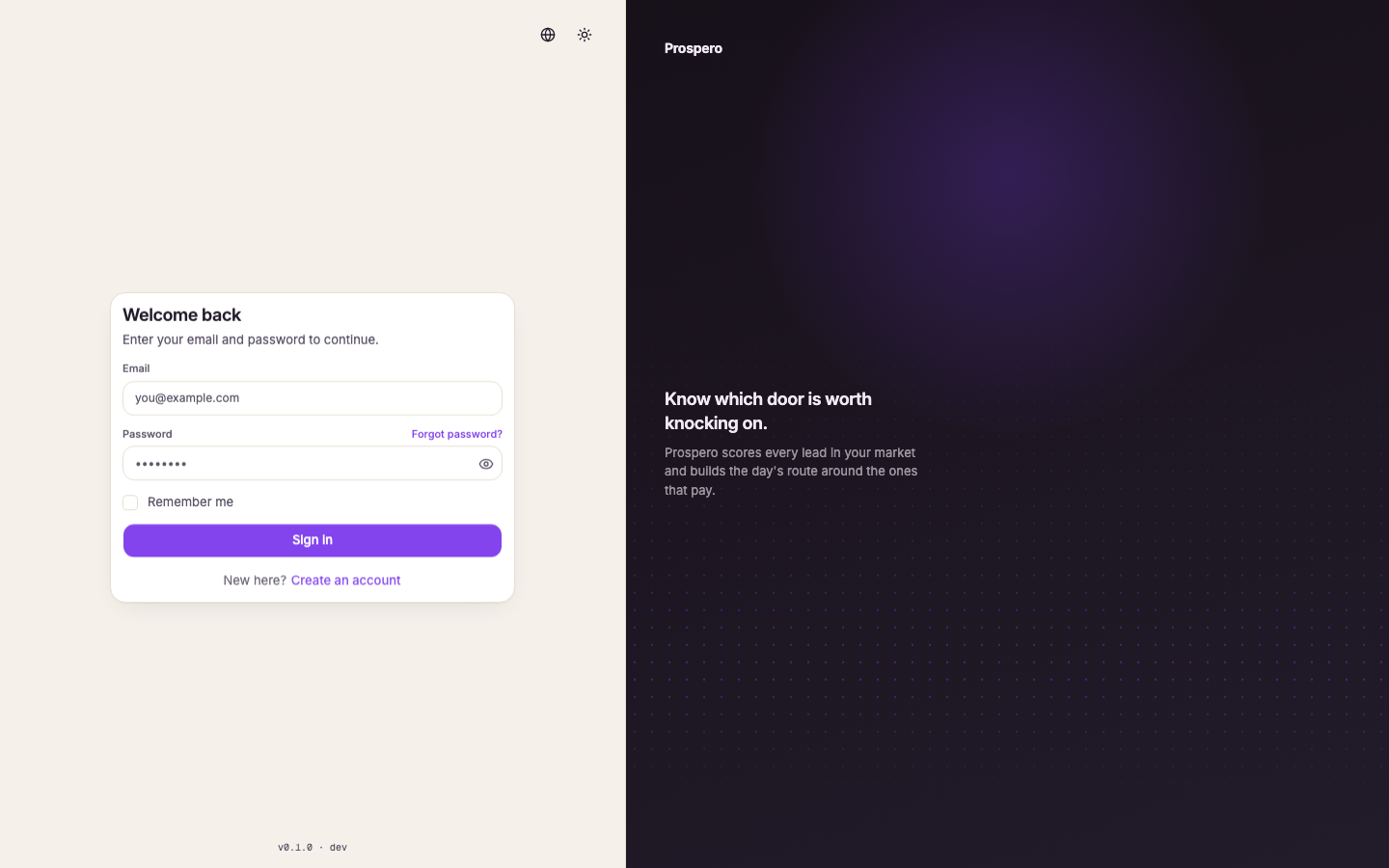
Select Create account. If Prospero asks you to verify your email, open the verification message and use its link before returning to sign in. After that, Welcome back is the sign-in page.
Create the organization and workspace
Verify the access code
Enter the Access code supplied by your Prospero contact, then select Verify. Prospero does not create the organization until the code is accepted.
Continue past the welcome screen
Read the welcome screen and select Let's get started. The organization step opens.
Name the organization
Enter the shared account name under Organization name, then select Continue.
Name the first workspace
Enter the working area name under Workspace name, then continue to the review step.
Finish the workspace setup
Review both names and select Finish setup. Prospero then opens Your first market.
Create your first market
Find the market
Type the city you will work first and pick it from the results. The chosen market supplies the territory, timezone, currency, and neighborhoods. Prospero shows how large the area is and what its first discovery run costs.
Choose the language and industries
Choose English, French, or Arabic under Language. Under What do you sell into here?, pick one or more of Restaurants, Hotels, Automotive, and Healthcare. Each industry is scored with its own playbook. You can add more markets and industries later in Settings, Markets.
Create the market
Leave Run discovery when the market is created checked to start finding leads right away, one run per industry, or uncheck it to start later. Select Create market. Wait for Your first market is ready before leaving the page.
Continue to Leads
Select Continue to leads. Prospero opens Leads with the new market selected in the top bar.
If setup stops, return to onboarding and try again. Prospero keeps completed work and does not duplicate the organization, workspace, or market.