Find and filter leads
Search the lead list and narrow it by score, tier, source, or business details.
Use search and filters to narrow the lead list for the selected market. The result updates the table, export, and saved-view work you do next.
Before you start
Check the market in the top bar. Leads and filter choices change with that selection.
Find a lead
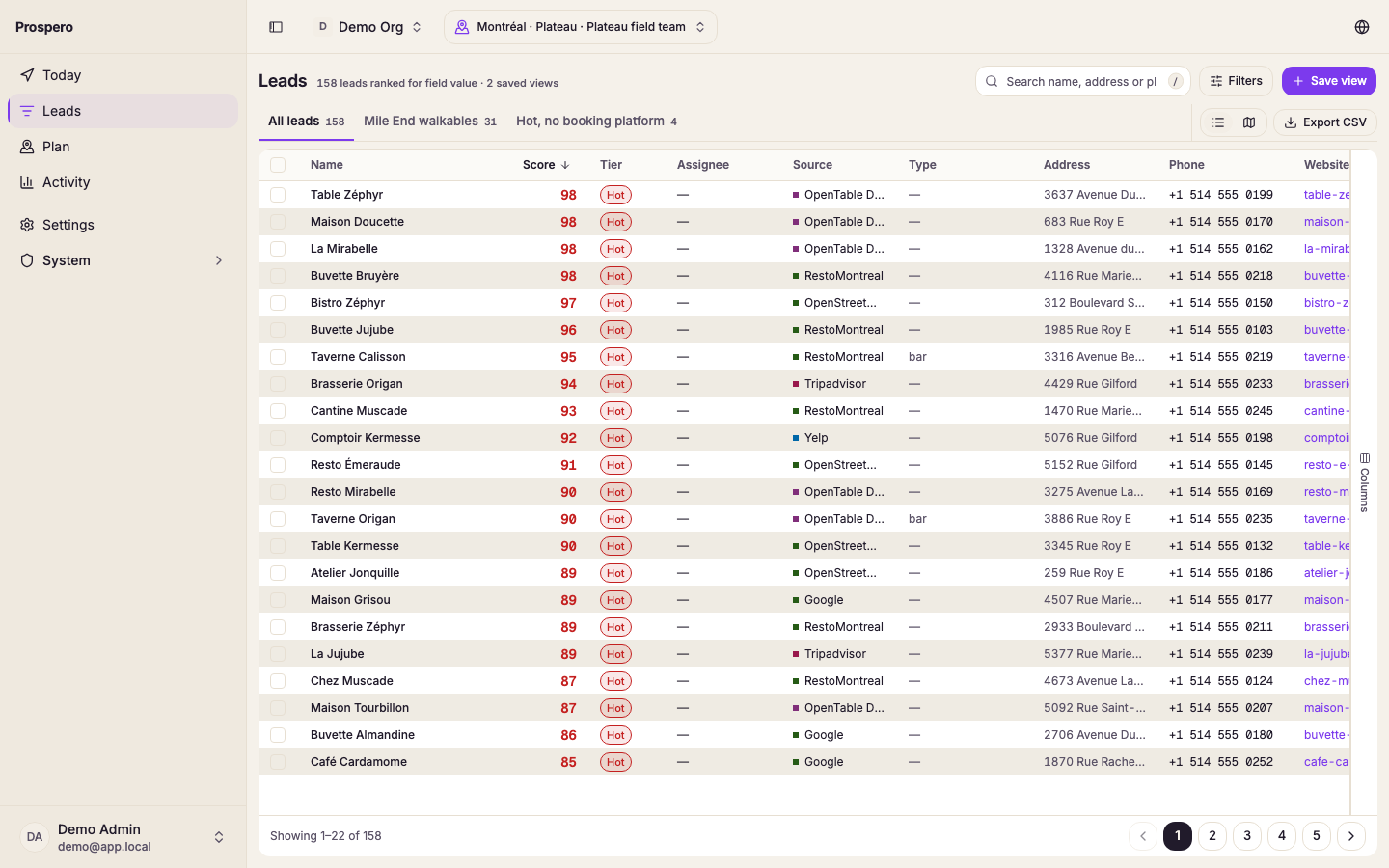
Search for a business
Enter a business name, a manager's name, an address, or part of a phone number in Search name, manager, address or phone. Capitals and accents do not matter, so cafe finds Café and helene finds Hélène. Pause after typing so the result can update.
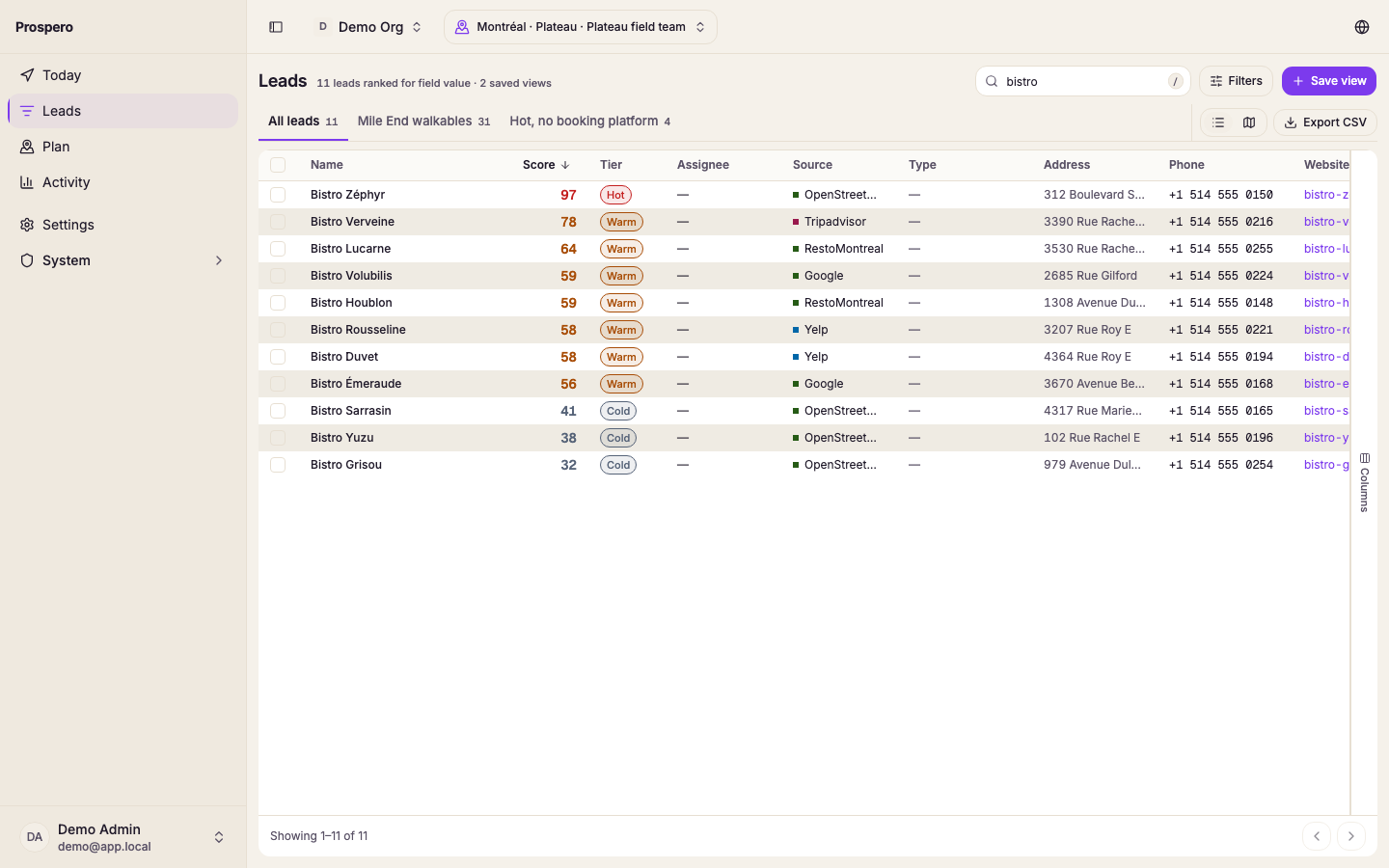
Open the filters
Select Filters in the view bar over the table. A menu lists every field a filter can use, with Group and Eligibility at the end.
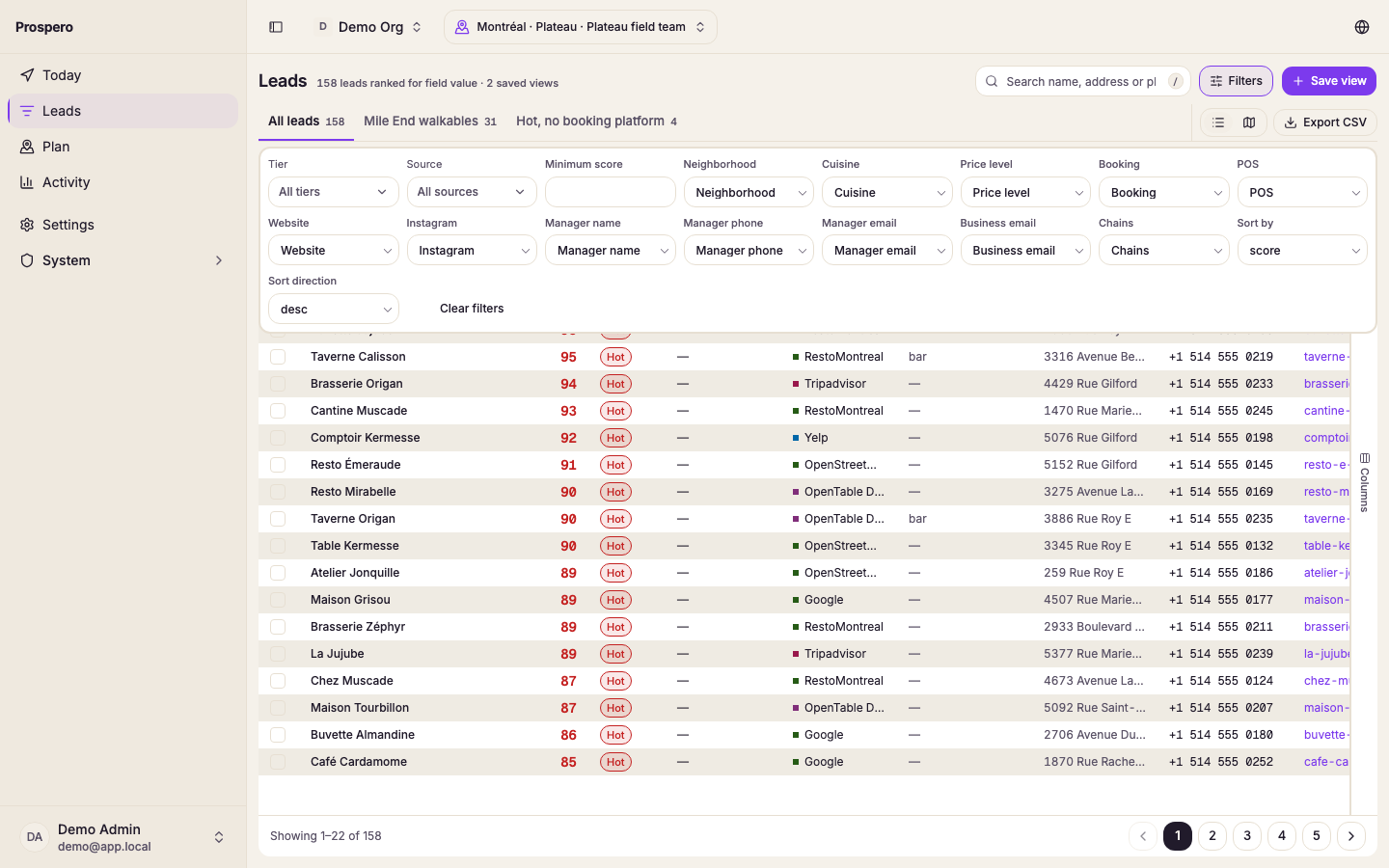
Narrow the list
Pick a field, then choose its value in the box that opens. Tier shows how many leads each tier holds. After tier, score and deal stage come details such as neighborhood, cuisine, booking provider, POS system, and manager contact, and the available choices follow the industries in the selected market and the existing lead data. Add filter also offers four dates: Created, Judged (when Prospero first judged the lead), Last inbound (the last call in from the lead) and Last visit (the last visit your team saved). Each counts days in the selected market's time zone and offers the same choices: on, before, after, in the last or not in the last number of days, Any time (it has happened at least once) and Never (it has not). Each filter appears above the table as a chip you can select to change or remove, and the count beside the view name drops to the filtered total. Select Add filter in that row to add another.
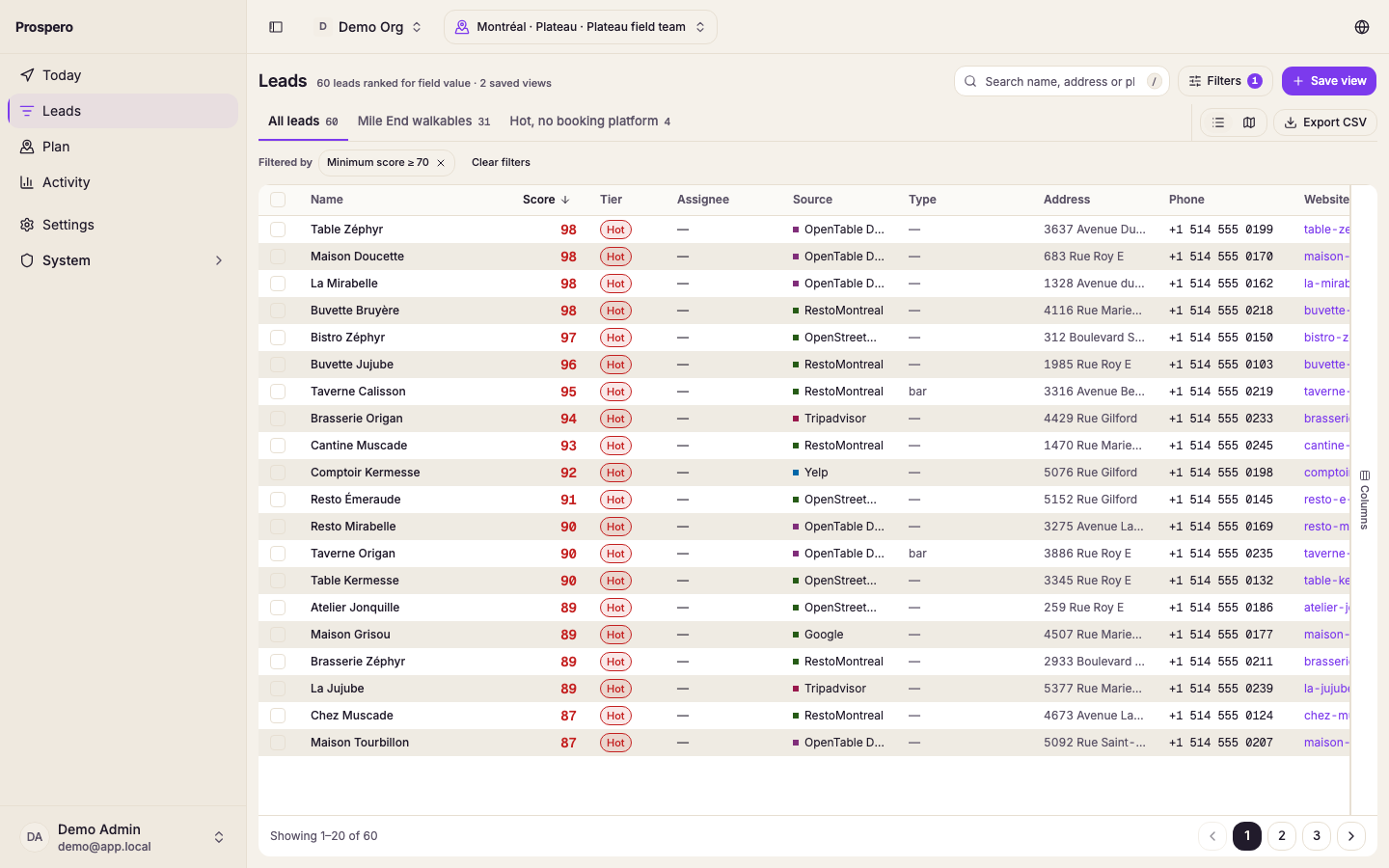
Sort the result
The sort button beside Filters says how the list is sorted. Until you choose, it reads Sort: Best match first, the order Prospero ranks leads in for a visit. Select it and choose a column to sort by that column, then choose the direction. Select Reset sort to go back to best match. Selecting a column heading in the table sorts the same way, and the button follows it. The page count updates without clearing the filters.
Active filters appear above the results. Select the remove control on one filter to clear only that filter, or select Clear filters to start again.
If No leads match this view appears, remove one filter or clear the search. If The search took too long appears, add a letter or two to the search, or a filter, and try again. If Run the discovery pipeline to start collecting leads appears, the selected market has no lead data yet.