Activity and discovery
Export activity
Download field activity for the dates shown, for the whole market or one rep.
The activity export follows what the Dashboard is showing: the dates, and the rep when one is open.
Download the CSV
Open Dashboard.
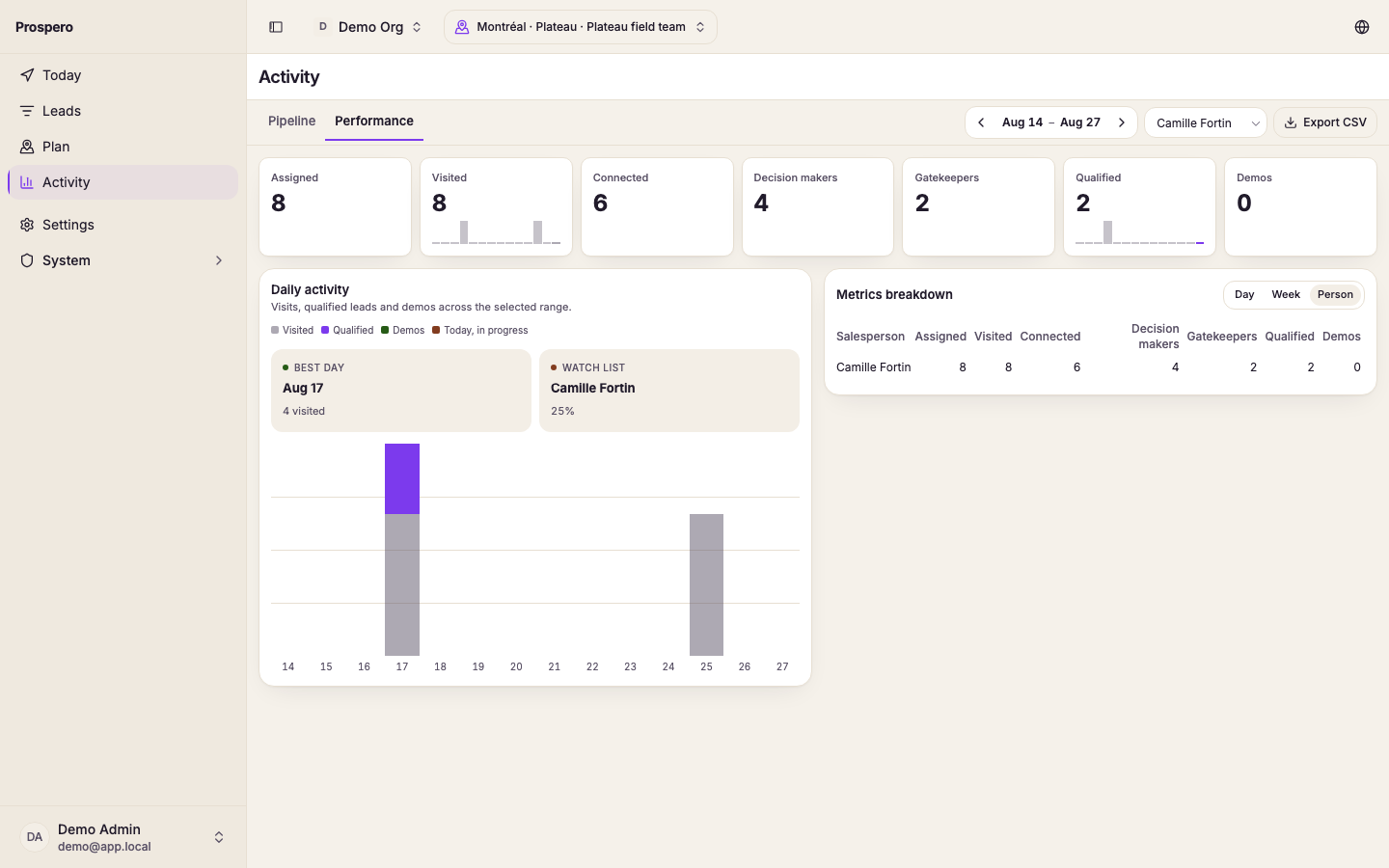
Use the arrows beside the dates to pick the week.
To export one rep, select that rep's name under Reps. To export the whole market, stay on the market view.
Select Export CSV.
Wait for Activity CSV downloaded.
If the export cannot be prepared, keep the same dates and select Export CSV again. A shorter date range can make a large export easier to review.