Review field performance
See a market's week, each rep's numbers, and the deals won and proposed.
Use the Dashboard to see what your field team did this week in a market, and what it is worth.
Review the week
Open Dashboard.
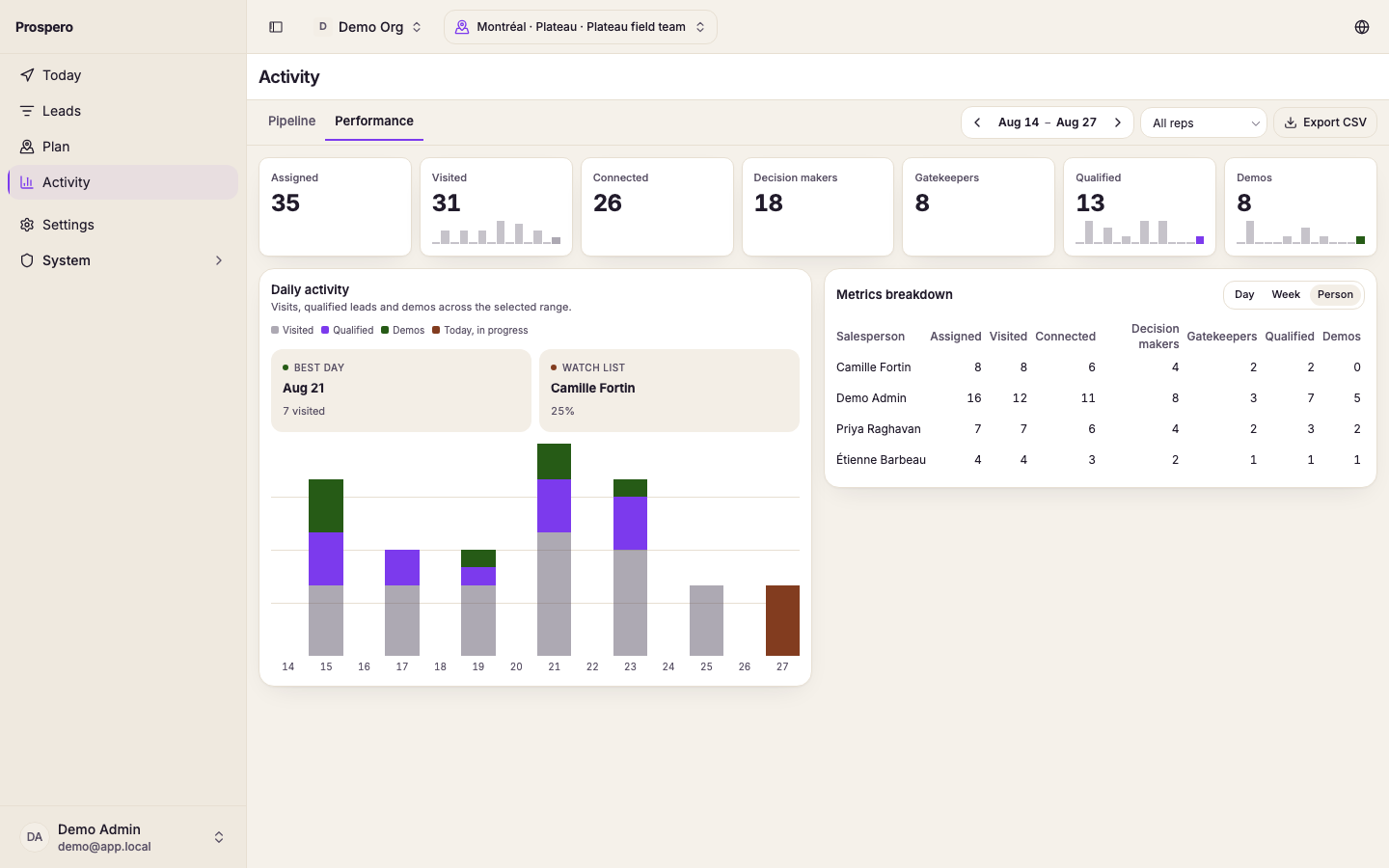
Pick the market at the top. The title is the market's name.
The page opens on this week, Monday to today. Use the arrows beside the dates to move a week at a time.
Read Calls, Demos, Won, and Lost. Won shows the value of the deals, and Lost shows the reasons.
Under Reps, each row is one rep, most won value first. The bars on the right are that rep's visits each day of the week.
Select a rep's name to open that rep's week. Select the market name above the title to go back.
Won and Proposals list each venue with its amount, the rep, and the day.
Open book counts the leads the market is still working, by stage. Reps who recorded nothing in the range are left out of the list.