Route planning
Choose the route area
Set the route start and limit candidate leads to the right territory.
The area controls which eligible leads Prospero can use for the route.
Set the start
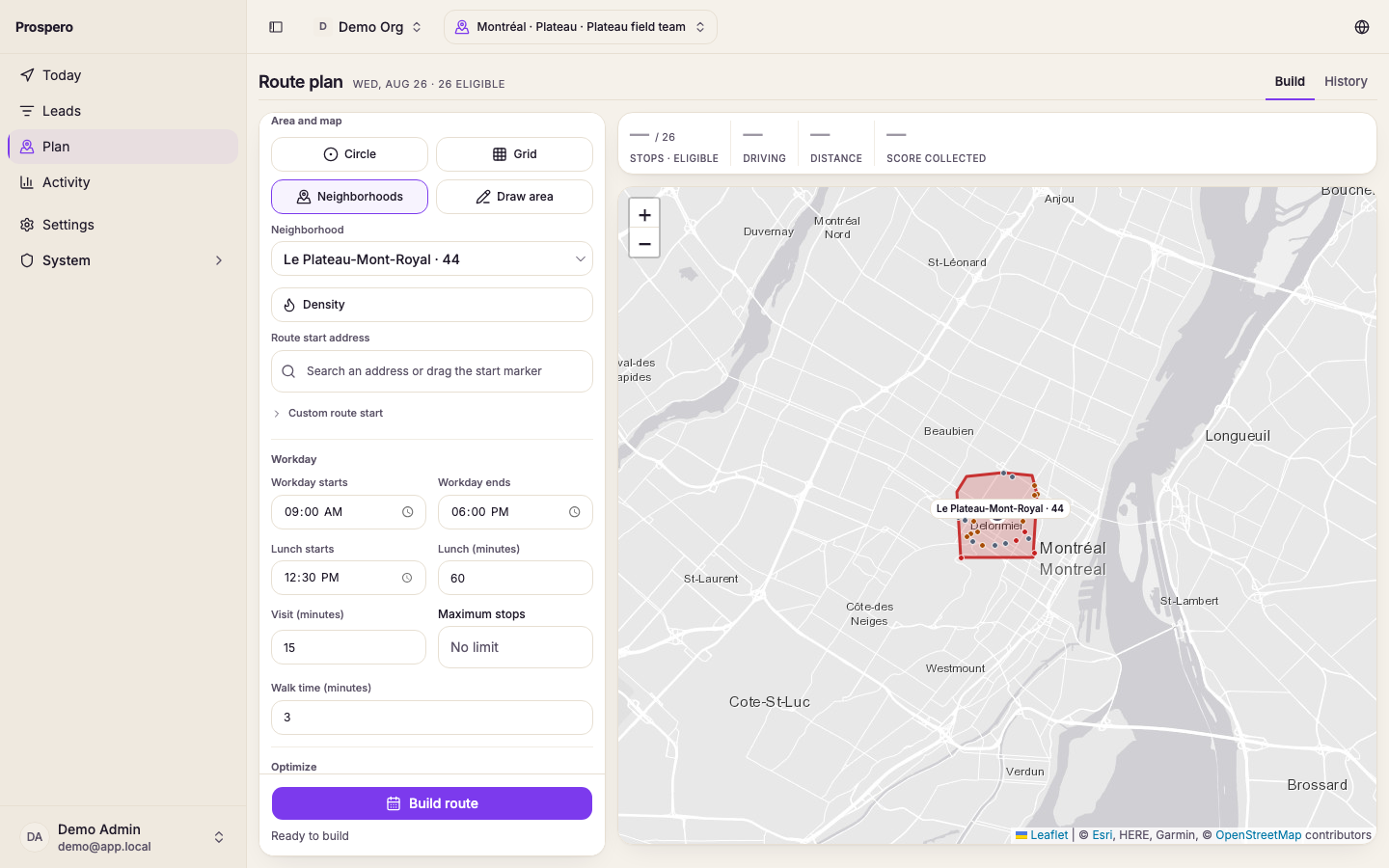
Open Plan, then find Area and map.
Search in Route start address, or drag the start marker.
Confirm that the marker is where the salesperson should begin.
Choose an area shape
- Circle uses Territory radius (km) around the route start.
- Grid lets you choose a Grid cell on the map.
- Neighborhoods lets you choose a named Neighborhood.
- Draw area lets you outline a custom shape.
Select the area type that fits the day.
Choose the grid cell or neighborhood, or click each corner of a drawn area.
For a drawn area, click the first corner again to close the shape.
Confirm the chosen area is visible on the map.
Prospero cannot build a grid, neighborhood, or drawn route until an area is selected.