Route planning
Use route history
Find a past plan, compare completion, and replay its stops on the map.
History helps managers review what was planned and what was completed.
Open a past plan
Open Plan.
Select History.
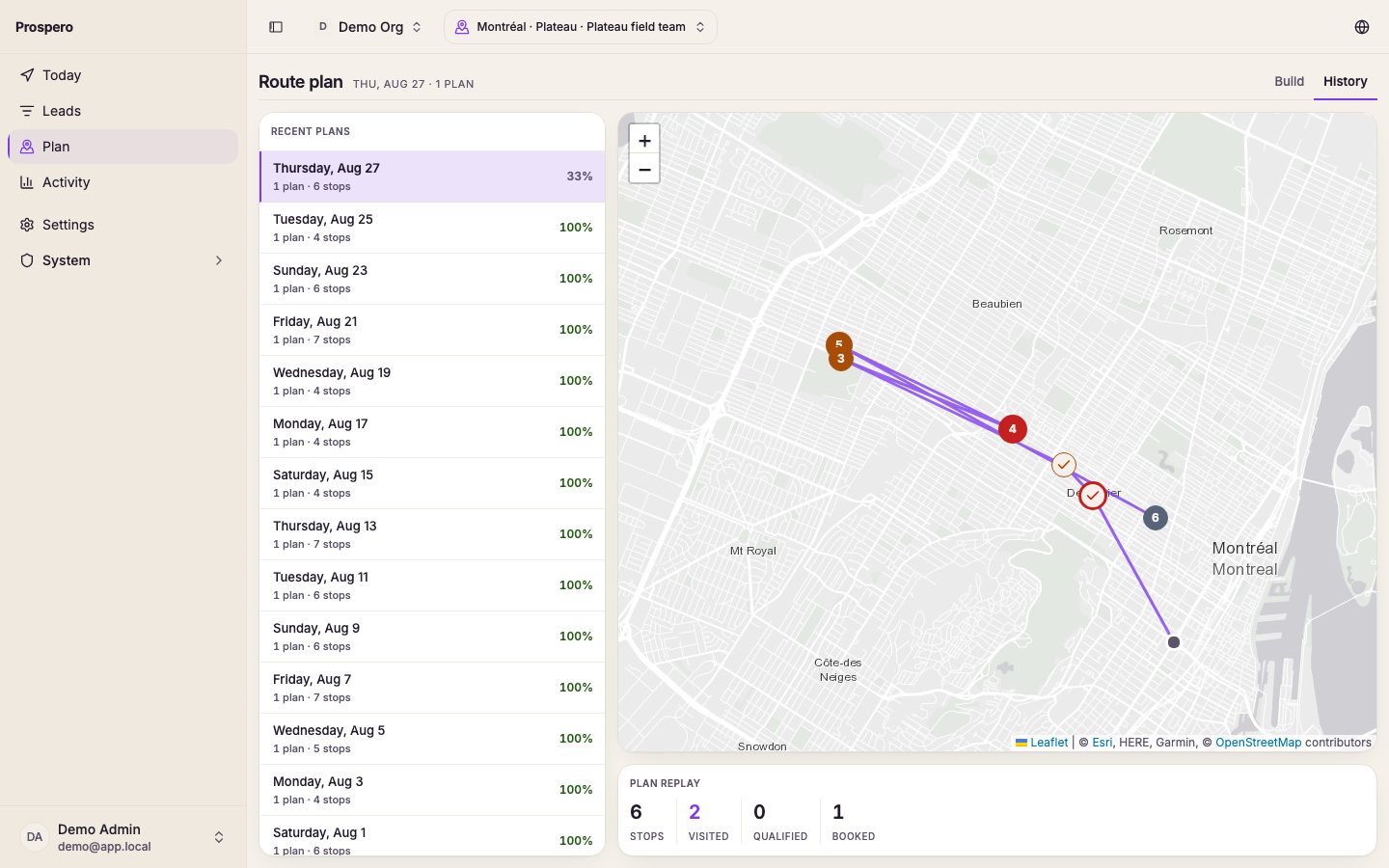
Choose a day that shows one or more plans.
Select a salesperson’s plan.
Review planned stops, visited stops, distance, and completion.
Use Plan replay to inspect the route on the map.
History appears after routes have been built and saved. If it is empty, build a route first. Use the completion and stop counts with Review field performance when you need a wider date range.