Today's route
Review completed stops
Inspect saved visit results and correct a stop marked as visited.
Completed stops remain available from the map and list.
Review a result
Open Today and choose the route date and salesperson.
Select a stop marked Visited.
Review its saved connection answer, outcomes, reason, and notes.
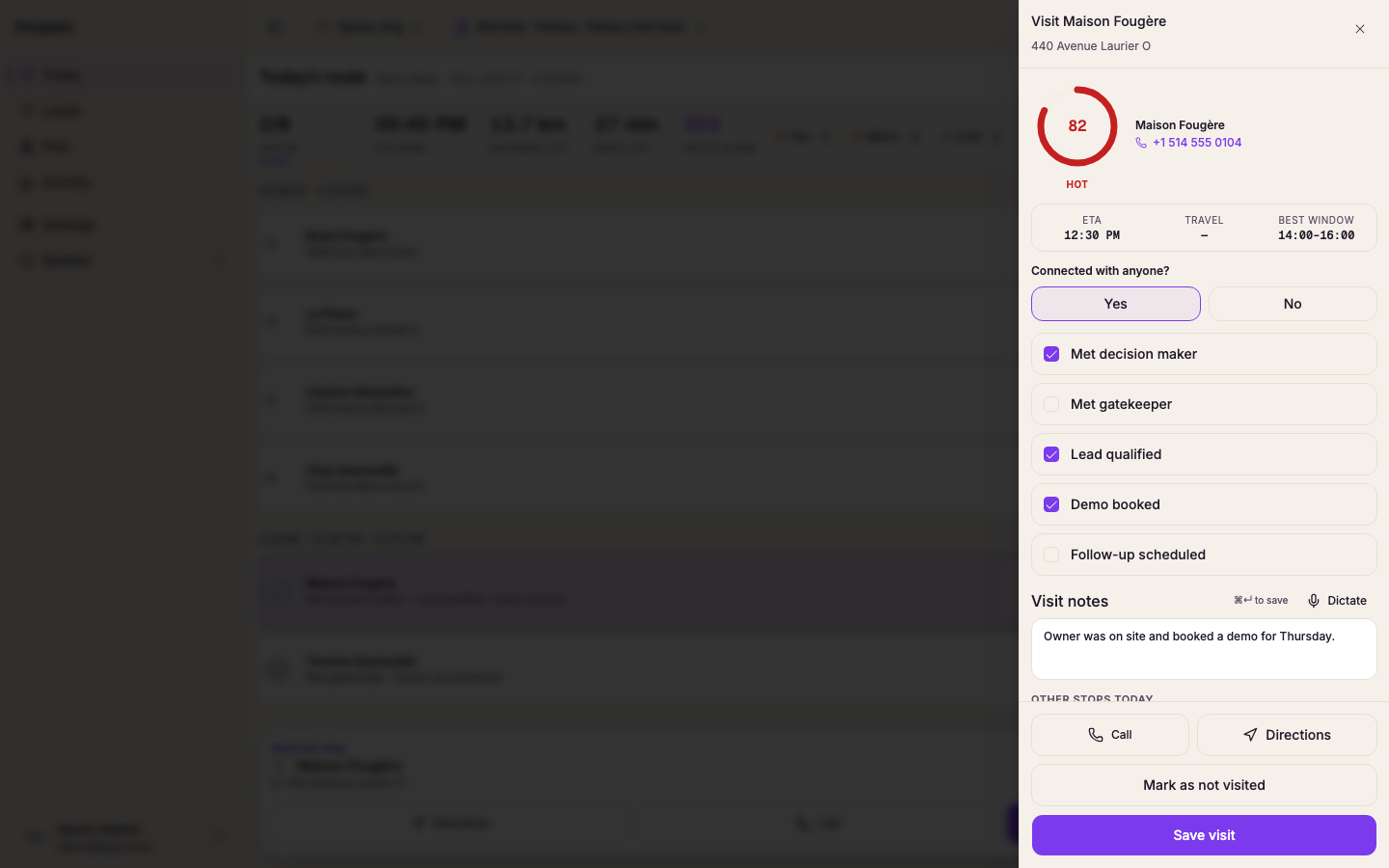
Select another completed stop from Route stops to continue reviewing.
Correct a visited stop
Open the completed stop.
Select Mark as not visited.
Confirm the stop returns to the remaining route.
Capture the visit again with the correct result.
When every stop is visited, Prospero shows that the day is complete. You can still select a stop to review it.