Today's route
Open today's route
Choose the date and salesperson, then open the assigned stops.
Today shows one approved route at a time.
Open the route
Open Today.
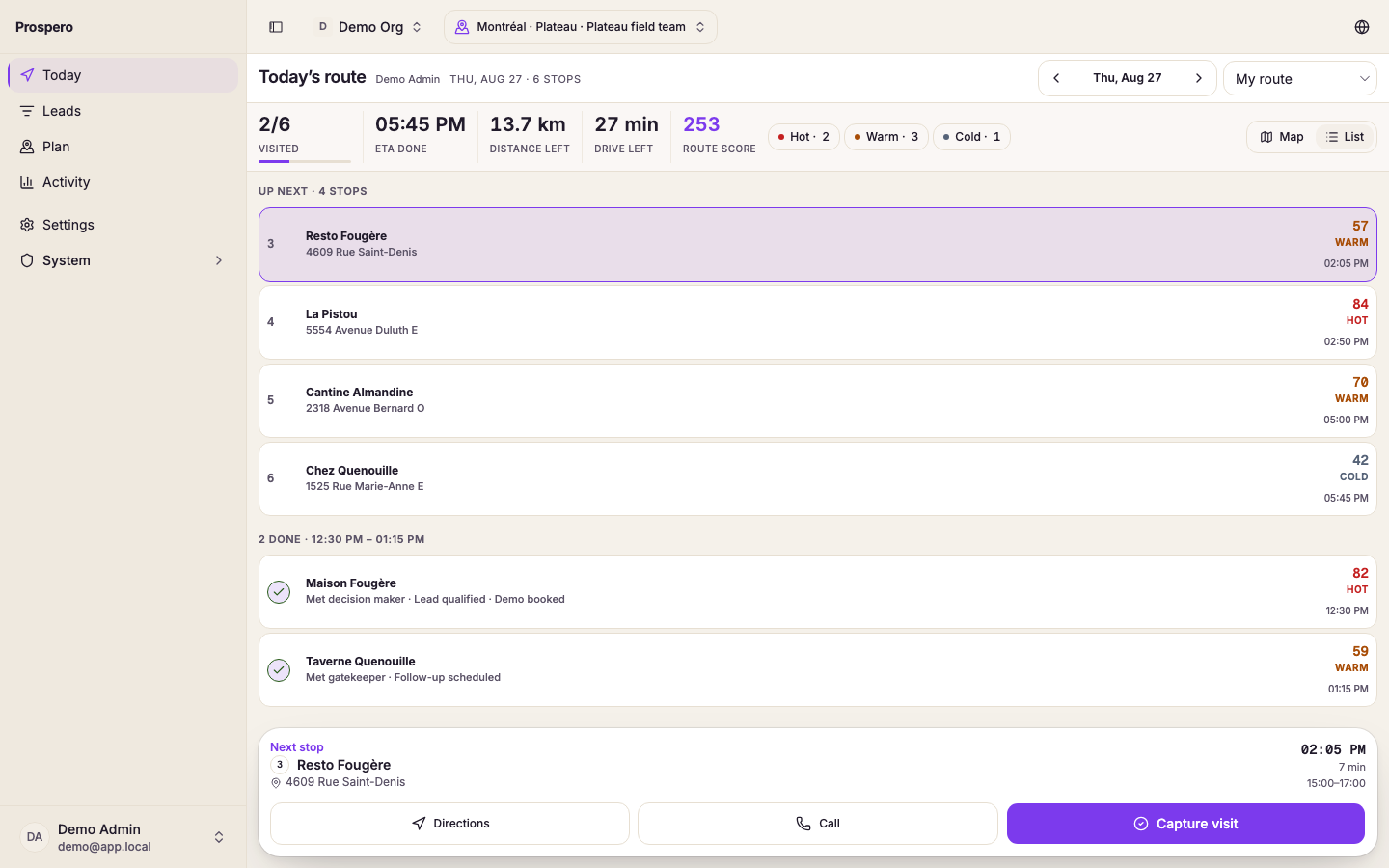
Use Route date to open another day when needed.
Choose the Salesperson.
Select My route to return to your own route.
Choose Map or List.
The summary shows total stops, completed stops, remaining stops, distance, drive time, and route score.
If No route plan for today appears, confirm the date and salesperson. A manager may still need to build and approve the route from Plan.