Troubleshooting
A route is not available
Find why Plan or Today has no route for the chosen person and date.
A route must be built, optimized, and approved for the same date and salesperson shown in Today.
In Today, confirm Route date.
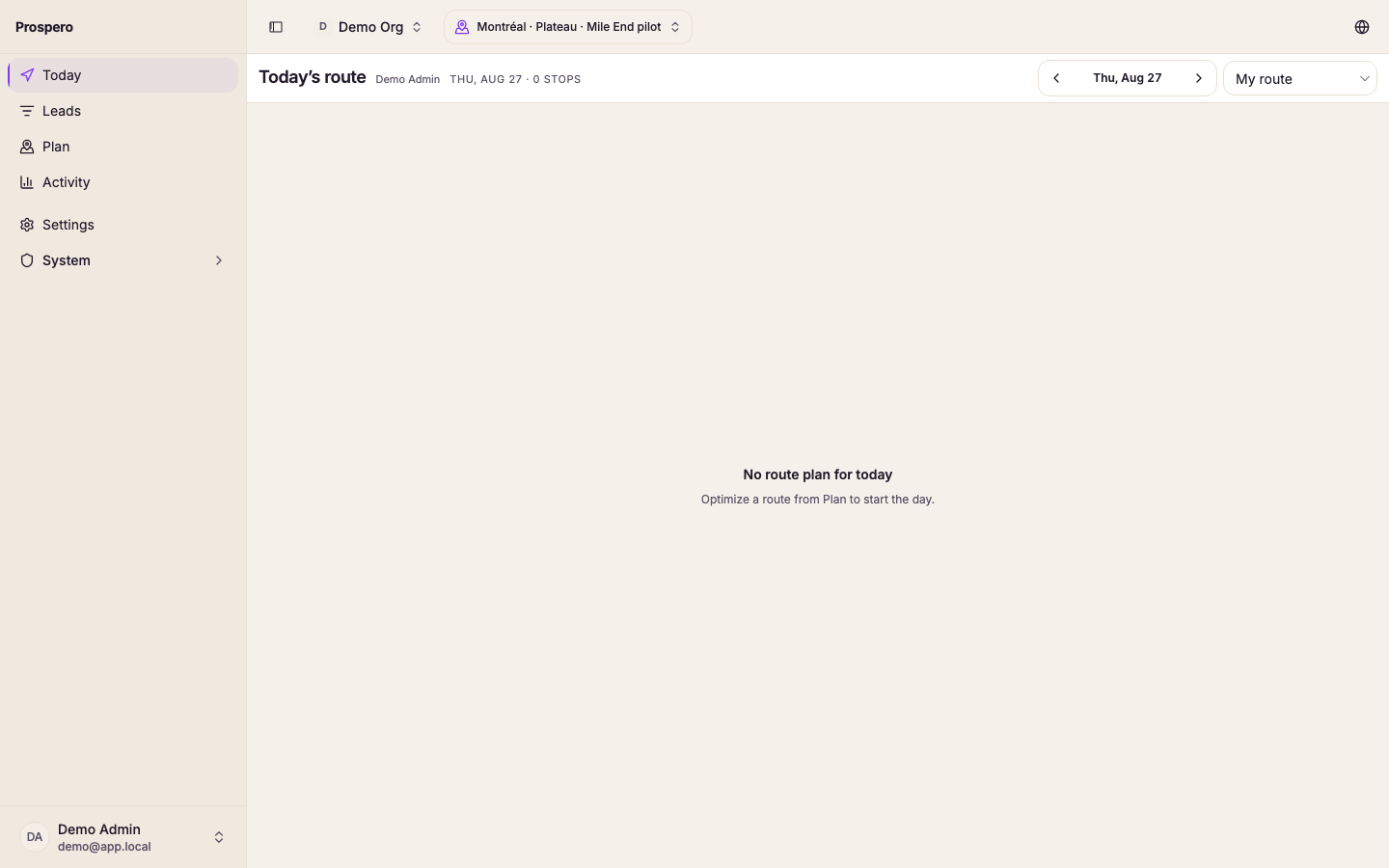
Confirm the Salesperson.
Open Plan, then History, and look for the same date and person.
If the plan is still a draft, open it and select Approve route.
If no plan exists, return to Build and create one.
If building fails, select Retry after checking the required inputs.
A build needs a selected market, an eligible salesperson, at least one score tier, eligible leads, and a valid area. No scored leads yet means discovery and scoring must run first.