Troubleshooting
Leads are not appearing
Check selection, filters, discovery, scoring, and source readiness.
Work through these checks in order.
Confirm the expected market appears in the top bar.
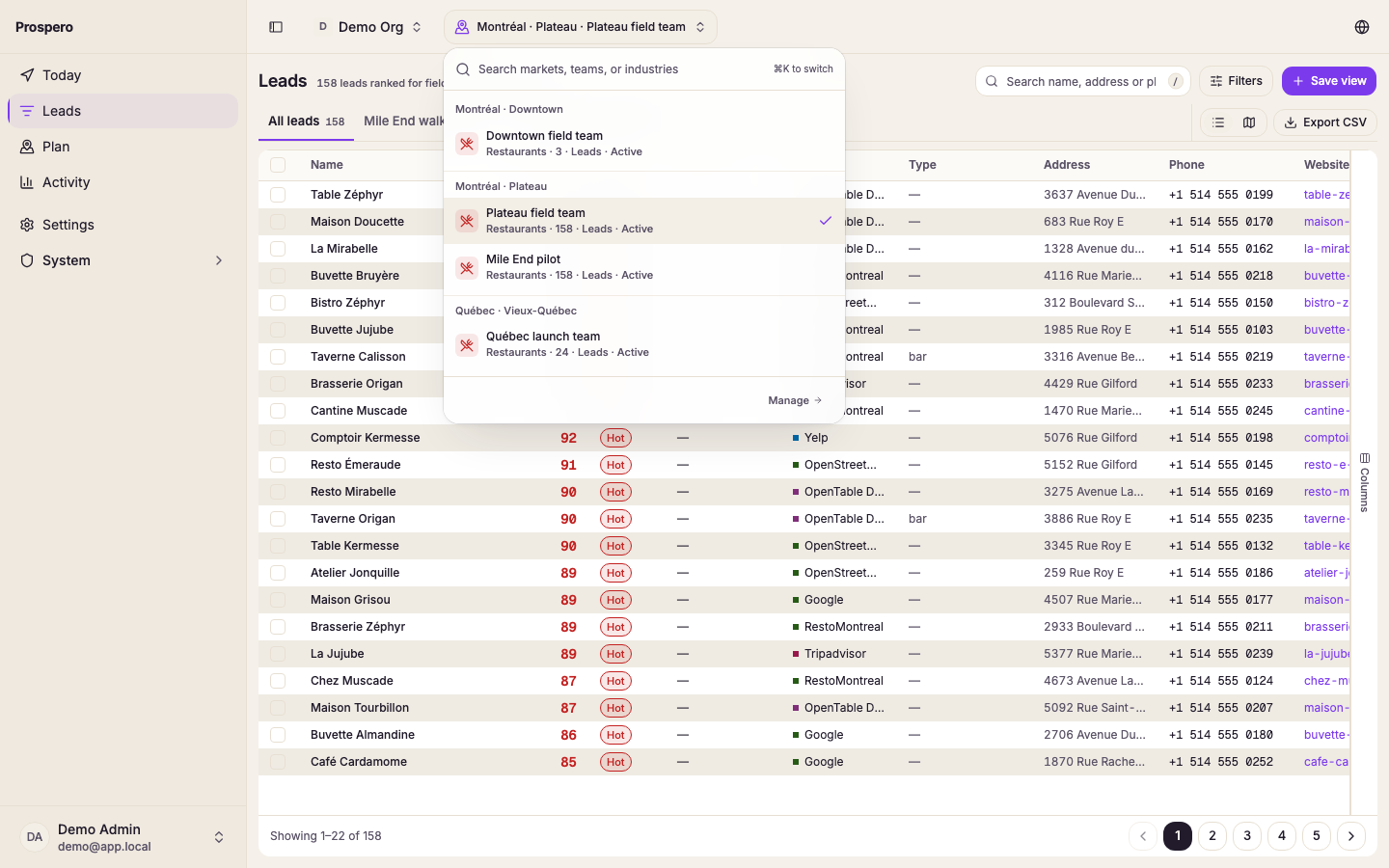
Open Leads and select All leads in the row of saved views above the table.
Select Clear filters and clear the search field.
Check whether the page says Run the discovery pipeline to start collecting leads.
Open Settings, then Pipeline, and confirm at least one source is Ready.
Open Activity, then Pipeline, and review the latest run.
If discovery found leads but tiers are empty, run scoring or Rescore. If a paid source shows API key required, test and save its organization key. If the map shows more leads than the table, read the ignored-filter message and use the table as the exact result.