Troubleshooting
Access and visibility
Fix a missing market, page, or action by checking role and assignments.
Members and salespeople see only the markets and industries their access reaches. Owners and admins can work across the organization.
Check your current scope
Select the market in the top bar.
Search for the missing market.
If it does not appear, ask an owner or admin to open Settings and Members.
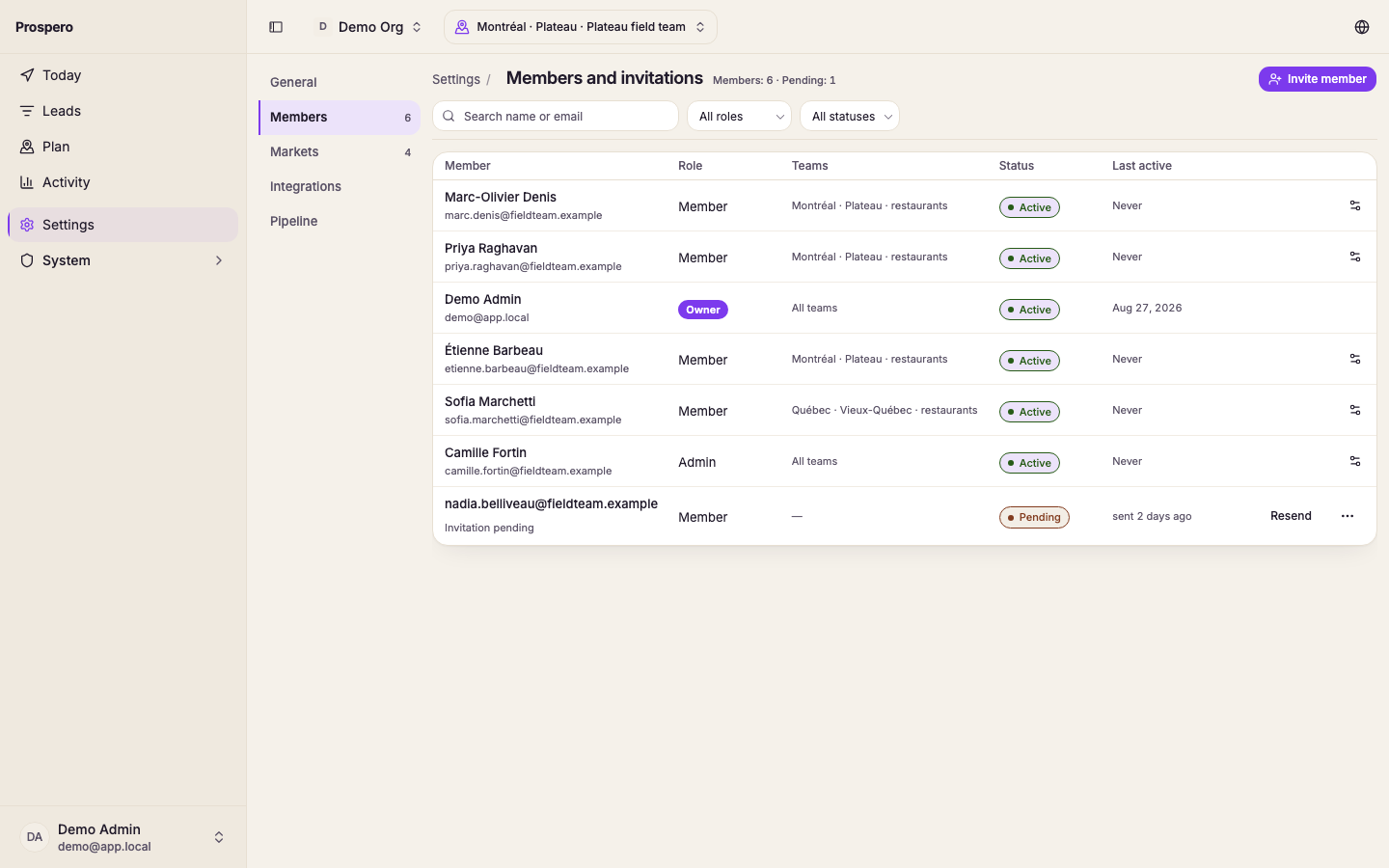
Ask them to select the settings icon at the end of your row.
Ask them to review Organization role and Access.
Sign out and sign in again after access changes.
A missing settings action can be expected for your role. Member management, markets, pipeline settings, integrations, and organization keys require owner or admin access. Ownership transfer requires the owner role.