Invite and manage members
Send invitations, assign roles and access, and manage members.
Owners and admins manage access from the member directory.
Invite a person
Open Settings, then select Members.
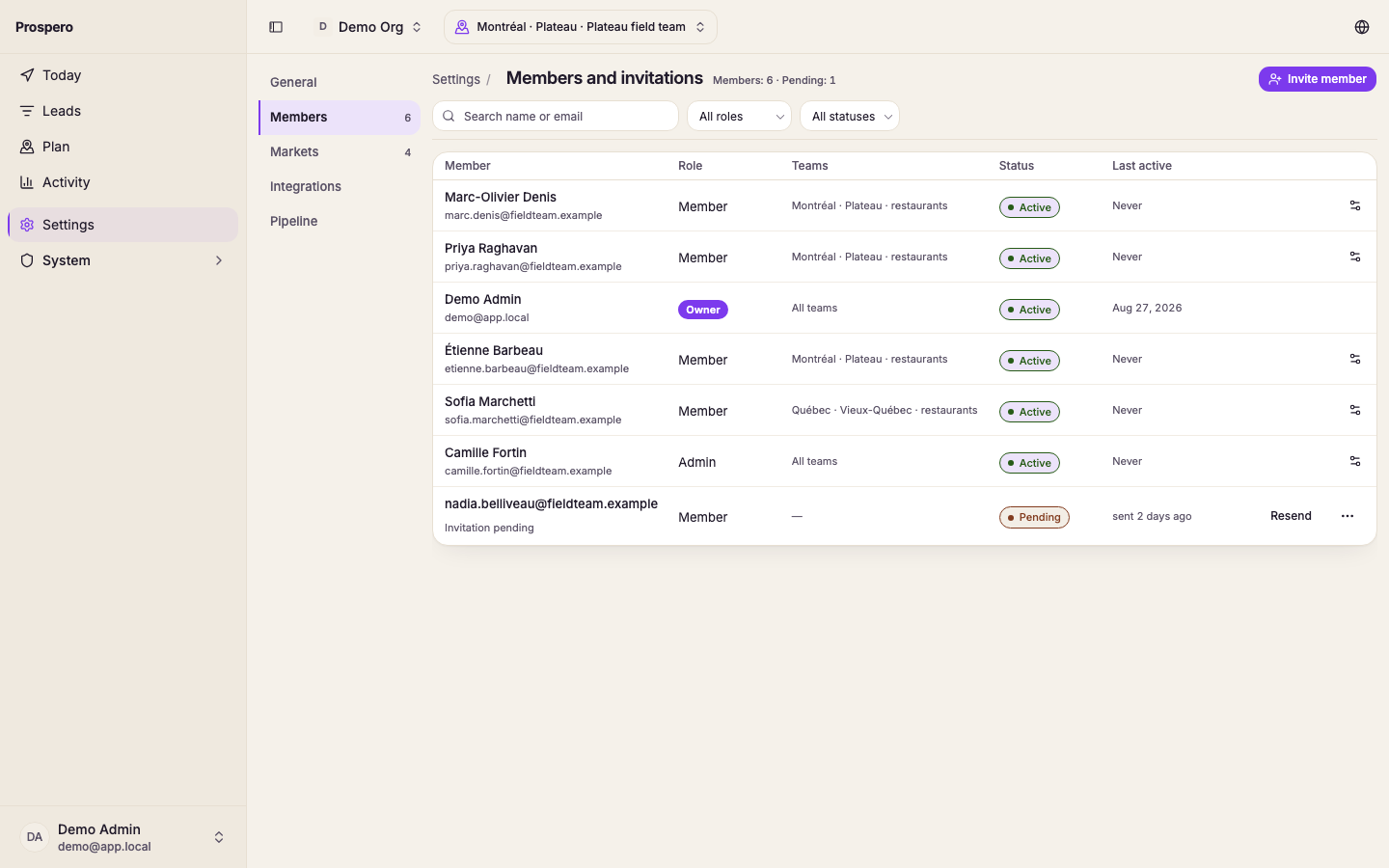
Select Invite member.
Enter the person’s Email.
Choose the Organization role.
Choose their Access: Organization, a Group, or a Market, and an Industry if they work only one. A salesperson has no default, so pick one.
Select Send invitation.
Change an existing member
Search for the person by name or email.
Select the settings icon at the end of that person's row.
Change Organization role, or the lines under Access. Select Add access for another group or market.
Select Save changes.
Pending invitations can be resent or cancelled. Active members can be suspended, reactivated, or removed. Past activity remains after removal.
Only an owner can use Transfer ownership or change another owner. At least one owner must remain.