Manage API keys
Test, save, replace, or remove organization keys used by discovery sources.
Organization keys unlock sources that require paid or authenticated access.
Test and save a key
Open Settings, then select API keys under Integrations.
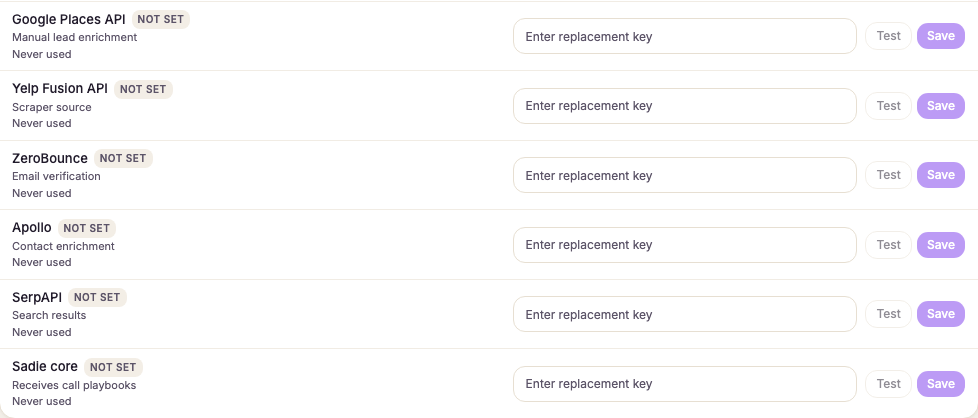
Find the key under the job it does. Find leads holds Google Places, Yelp and SerpAPI; Enrich contacts holds Apollo, ZeroBounce and Grok.
Find the source and enter its key in Enter replacement key.
Select Test.
Wait for Connection test passed.
Select Save.
A failed test does not save the key. Read the reason, correct the key or account access, and test again.
To remove a key, select Remove and confirm Remove API key. Sources that need it stop running until a replacement key is tested and saved. Never paste a key into visit notes, lead notes, or a support screenshot.