Settings and team management
Update organization details
Open your organization settings and change shared workspace information.
Organization details apply across every market.
Open organization settings
Open Settings.
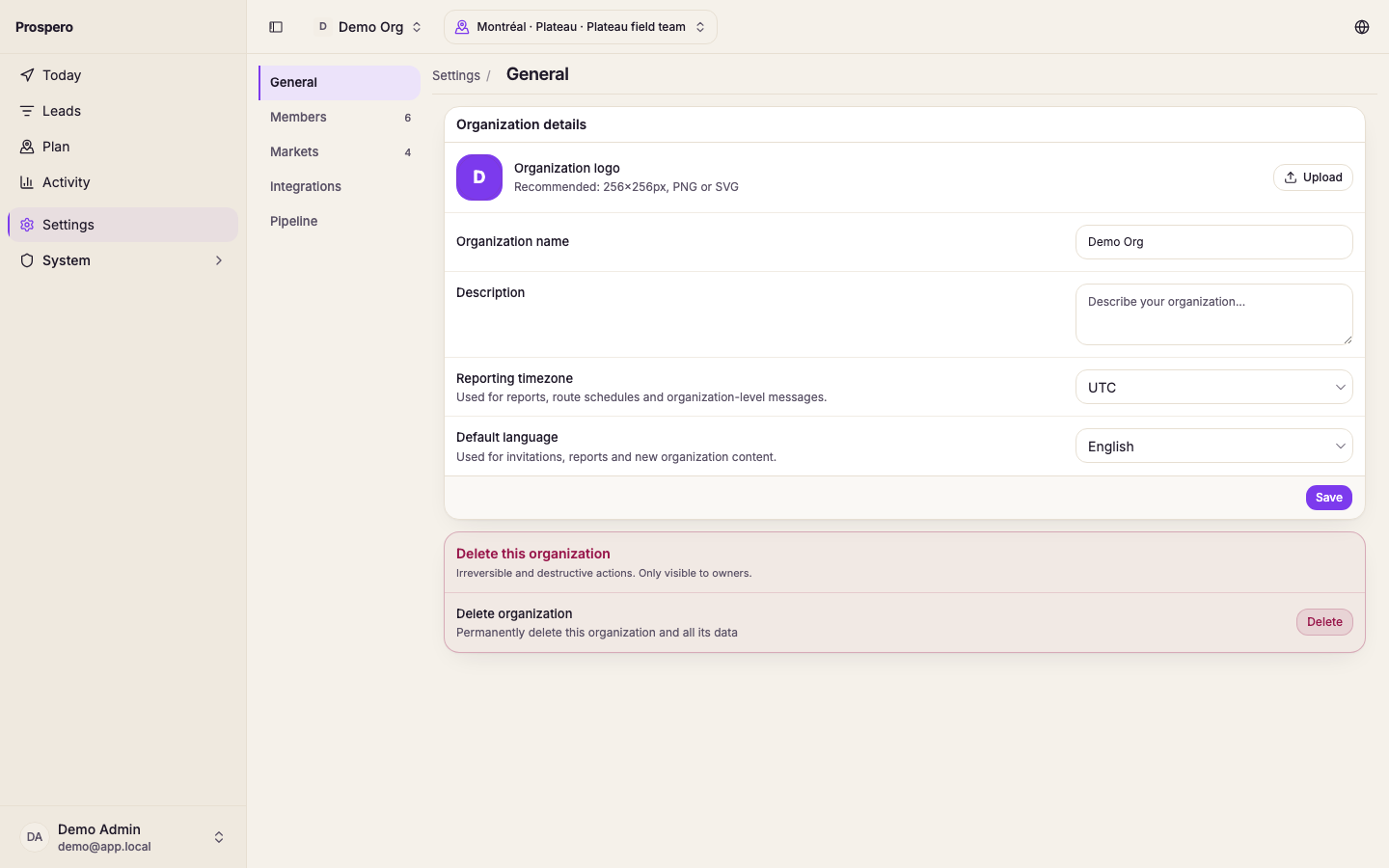
Select General.
Change the organization information you are responsible for.
Save the changes.
Only make changes that should affect the whole organization. Market operating details and each market's industries are managed under Markets, not General.