Read the analyst report
Read the weekly or monthly report that says what changed, why, and what to do next, and write a new one when you need it.
The Analyst view is a short written report on the last completed week or month. It names what changed, the reasons behind it, and what to do next, each line tied to the numbers it quotes. Prospero works out the numbers itself, and a language model puts them into sentences. A sentence that quotes a number Prospero did not compute is dropped.
Read the report
Open Dashboard, then select Analyst under Company in the list of views.
Choose Last week or Last month at the top right. The line under the title gives the dates the report covers, from Monday to Sunday for a week.
Check the line that starts Written. It gives the time the report was written. Reports are always in English.
Read the three sections in order. What changed lists the figures that moved against the period before. Why gives the reasons behind them. What next lists what to do about it.
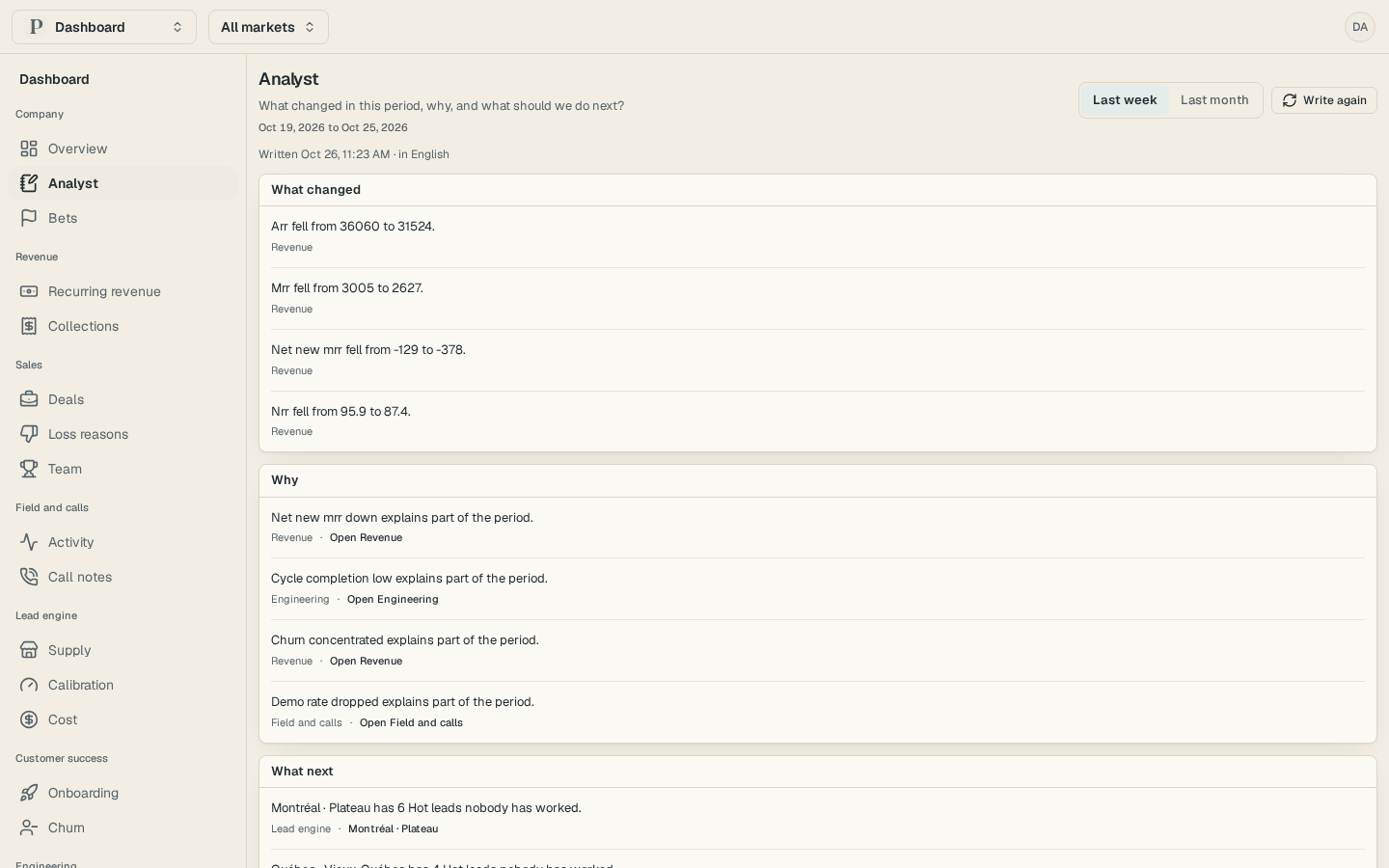
Under each line, read the name of the section it draws on, such as Revenue or Sales. Select a link beside it to open the lead, market, bet or finding the line cites.
Prospero writes each week's and month's report on its own, within an hour of the period ending.
Write the report again
Owners and admins can write a report again after the figures change, for example once you record more reasons.
Select Write again. The button reads Writing until the new report lands, and the old lines stay on the page until then.
Read the new lines when the Written time updates. An organization can write a report three times an hour. After that, the page says This report was written again too often this hour. Try again later.
When there is no report
If the report is not ready, the page says why and shows the Dashboard's own findings for the period instead.
| Status | What it means |
|---|---|
| Not written yet | The report is written within an hour of the period's end. |
| Being written | A report is being written right now. |
| No model | No model is set up, so the findings stand in for the report. |
| Failed | The report could not be written. Select Write again to try once more. |
When nothing in the period was worth a line, the page says Nothing stood out.
A line that cites a section you cannot see in full is left out for you, and a note counts how many. To see them, ask an owner or an admin about your access.
Connect Linear and link projects to reasons
Connect Linear, pick the teams to count, and link each project to the lost deals, churned customers and disqualified leads it should fix.
Make and track a bet
Record a bet on one number, name what should move it, and follow its monthly checks until it is hit or missed.